
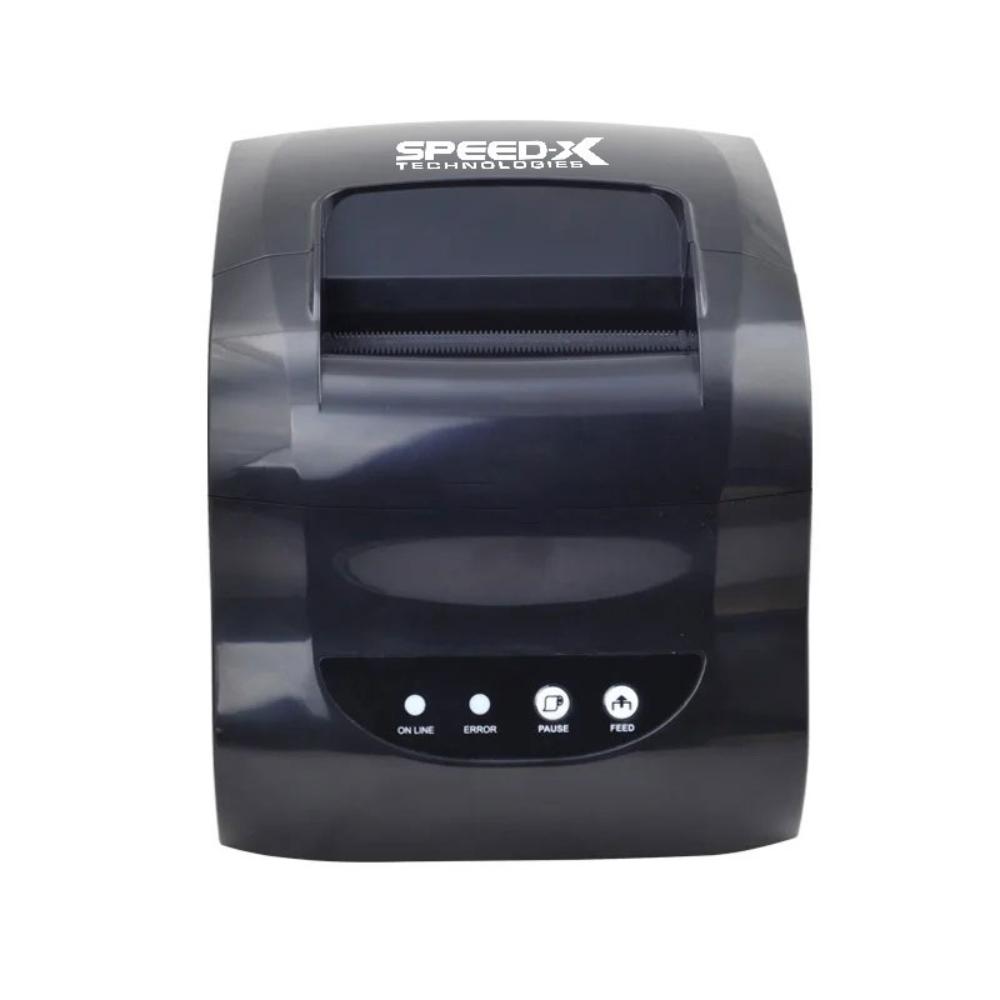
Speed-X SP-650UL 3-Inch Thermal Receipt & Label Printer Driver (Windows + SDK)
Download the Speed-X SP-650UL 3-inch thermal receipt and label printer driver for Windows, with the SDK for Android and iOS. Pay Rs 100 and get your download link instantly after payment.
- JazzCash
- Easypaisa
- Дебетовая или кредитная карта
- Банковский перевод
Что вы получаете
- Windows driver plus SDK for Android and iOS
- For the Speed-X SP-650UL 3-inch thermal receipt and label printer (USB and LAN)
- Supports TSPL and ESC/POS printing
- Instant download links after payment
- Download links also sent to your email
- Помощь с установкой по телефону или в WhatsApp
Download the driver package for the Speed-X SP-650UL 3-inch thermal receipt and label printer and get your printer working with your computer and your own apps. The download contains the Windows driver and the SDK for Android and iOS.
О принтере
The Speed-X SP-650UL is a compact direct thermal printer for receipts and adhesive labels. It prints at up to 127 mm per second at 203 DPI, takes media from 20 mm to 80 mm wide, and connects by USB and LAN (Ethernet). It prints 1D barcodes such as CODE128, EAN13, UPC-A and CODE39 and 2D codes including QR code, PDF417 and DataMatrix, and understands the TSPL and ESC/POS command languages.
Что входит в комплект
You receive the files as a single download: the driver for Windows, and the SDK for Android and iOS for developers who want to print from their own mobile apps. Install the Windows driver, connect the printer by USB or LAN, and print receipts and labels from your POS, billing or inventory software.
Как получить
- Оплатите Rs 100 онлайн через JazzCash, Easypaisa, дебетовой или кредитной картой либо с банковского счёта.
- As soon as the payment is confirmed, your personal download links appear on your order page and arrive by email.
- Download the files, install the driver and connect your printer.
Нужна помощь с установкой?
Наша команда поможет настроить принтер и подключить его к CloudPOS или вашему собственному ПО. Позвоните или напишите нам в WhatsApp и укажите номер заказа.
Нужны изменения в этом продукте?
Мы можем адаптировать продукт под ваш бизнес, установить его за вас или разработать что-то новое.